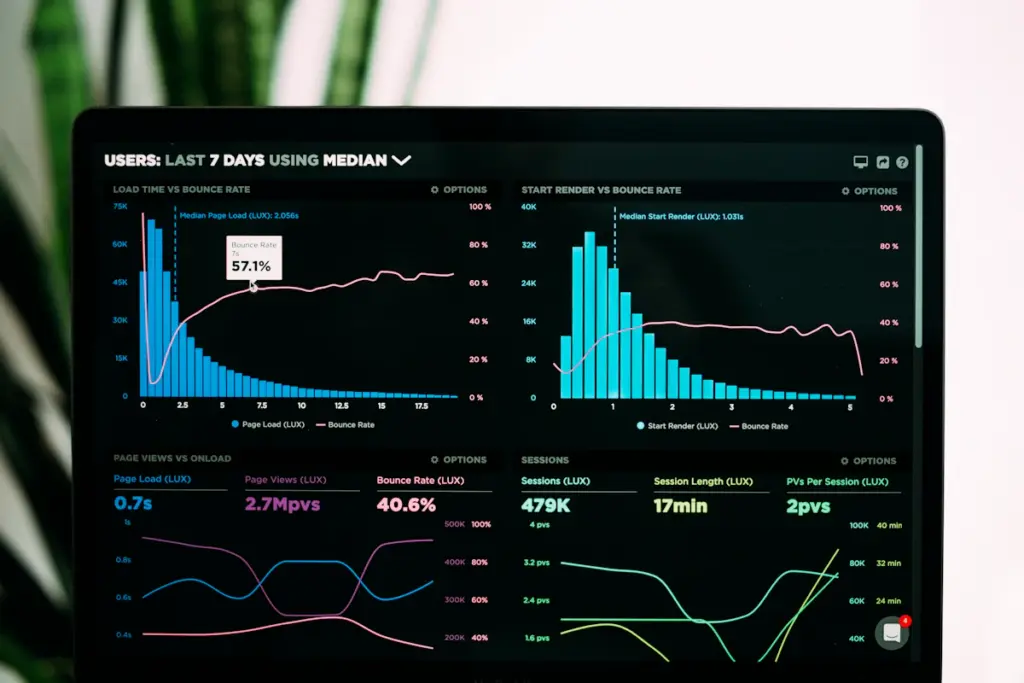
Fast, stable pages make it easier for visitors to read content, browse products, and complete forms. Page speed optimisation is most effective when you measure real problems first, make targeted changes, and verify that the website still works correctly.
1. Measure Before Making Changes
Use Google PageSpeed Insights for page-level diagnostics and available real-user data. Review the Core Web Vitals report in Search Console where sufficient field data exists. Test important templates on mobile and desktop rather than relying on the homepage score alone. Our guide to testing website performance and speed explains how to compare results and investigate bottlenecks.
2. Resize and Compress Images
Upload images close to the dimensions they will be displayed at. Use modern formats such as WebP or AVIF where suitable, and compress files while preserving visual quality. Serve responsive image sizes when possible.
3. Load Images at the Right Time
Lazy-load images that are below the fold, but avoid lazy-loading the main image that visitors need to see immediately if it is the page’s largest content element. Set image dimensions or aspect ratios to reduce layout shifts.
4. Reduce Unnecessary JavaScript
Audit analytics tags, chat tools, pop-ups, sliders, and third-party widgets. Remove only tools that are no longer needed. Defer non-critical scripts where appropriate and test important actions such as forms, add-to-cart buttons, checkout, and conversion tracking.
5. Optimise CSS and Fonts
Remove unused styles where practical, avoid loading many font weights, and use efficient font formats. Ensure text remains readable and avoid techniques that cause visible flashes or layout changes.
6. Use Caching Correctly
Browser caching and server-side page caching can reduce repeated work for returning visitors. Configure caching according to the platform and hosting environment. After changing cache settings, clear caches and test logged-in pages, forms, dynamic content, and ecommerce features.
7. Review Hosting and Server Response
If the server takes too long to respond, inspect hosting resources, database queries, redirects, and cache configuration. A content delivery network can help serve static assets closer to visitors, but it will not fix every server-side bottleneck.
8. Reduce Unnecessary Redirects and Requests
Link directly to the final HTTPS URL, fix redirect chains, and avoid loading duplicate scripts or stylesheets. Keep essential resources accessible to browsers and search crawlers.
9. Prevent Unexpected Layout Shifts
Reserve space for images, videos, ads, and embeds. Avoid inserting new content above the page after it has loaded unless space has been allocated. Check menus, banners, and consent notices on mobile devices.
10. Retest and Monitor Core Web Vitals
Google’s Core Web Vitals measure loading, responsiveness, and visual stability. The current good thresholds are LCP at 2.5 seconds or less, INP at 200 milliseconds or less, and CLS at 0.1 or less, assessed at the 75th percentile. See the official Web Vitals documentation for details.
After each important change, retest representative pages and check that usability, accessibility, forms, and tracking remain intact. Field data can take time to reflect changes and may not be available for low-traffic URLs.
Common Page Speed Mistakes
- Chasing a perfect score instead of fixing real user problems.
- Installing multiple optimisation plugins with overlapping features.
- Lazy-loading the main visible image and making it appear later.
- Removing scripts without checking their business purpose.
- Testing only desktop while most customers use mobile.
Final Checklist
Start with measurement, optimise large images, review scripts and fonts, configure caching carefully, investigate server response, and validate each change. Speed is one part of technical SEO and user experience; no single optimisation guarantees higher rankings. For ongoing site care, explore our website maintenance packages or read how to test website performance.