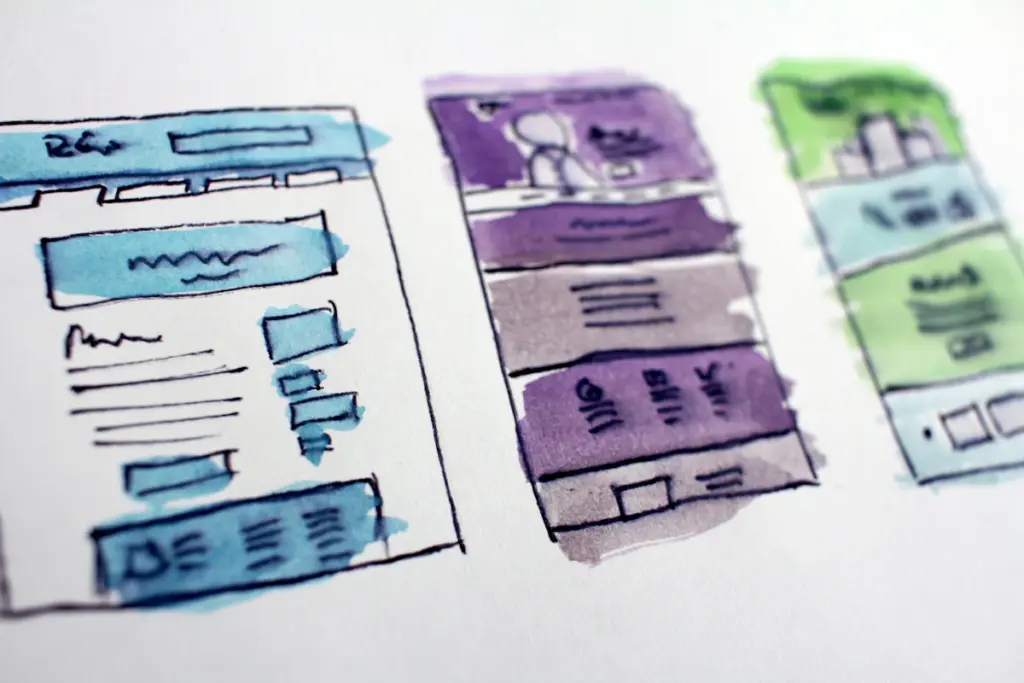
A website should help visitors understand your business, find the information they need, and complete a task without unnecessary effort. When navigation is confusing, text is difficult to read, or forms do not work on mobile, users may struggle to contact you or complete a purchase.
Good design is not only about appearance. It also includes accessibility, performance, clear content, trust, and reliable functionality.
1. Confusing Navigation
Visitors should be able to identify the main services, products, and contact options quickly. Use clear menu labels, group related pages logically, and avoid overcrowding the navigation with every possible link. Check the menu on smaller screens as well as desktop.
2. Slow-Loading Pages
Large images, excessive scripts, inefficient hosting, and poorly configured plugins can slow pages down. Measure key pages using PageSpeed Insights and review real-user data where available. Our guide to testing website performance explains how to diagnose common issues.
3. Poor Mobile Usability
Buttons should be easy to tap, content should fit the screen, and users should not need to zoom to read important information. Test navigation, forms, tables, product pages, and checkout on actual mobile devices where possible.
4. Hard-to-Read Content
Long paragraphs, vague headings, low contrast, and unexplained jargon make pages difficult to scan. Use descriptive headings, short paragraphs, lists where useful, and plain language that matches the audience’s level of knowledge. Keep important details such as pricing, eligibility, and service limitations easy to find.
5. Unclear Calls to Action
Tell visitors what will happen when they click a button. Labels such as “Request a quote,” “Book an appointment,” or “View plans” are often clearer than generic wording. Keep calls to action relevant to the page and avoid presenting too many competing options at once.
6. Forms That Create Friction
Ask only for information you genuinely need at that stage. Label fields clearly, explain required formats, show helpful error messages, and preserve entered information when possible. Test successful submissions and confirm that enquiries reach the right inbox or CRM.
7. Intrusive Pop-Ups and Overlays
Pop-ups can interrupt reading or block content, especially on mobile. If you use them, make the purpose clear, provide an obvious close option, and avoid showing the same interruption repeatedly. Ensure consent notices and promotional banners do not make essential content inaccessible.
8. Ignoring Accessibility
Use sufficient colour contrast, keyboard-accessible controls, meaningful link text, visible focus states, form labels, and useful alternative text for informative images. Do not rely on colour alone to communicate status. Accessibility improvements can make the site easier to use for a wider range of visitors.
Refer to the Web Content Accessibility Guidelines (WCAG) for established accessibility recommendations.
9. Missing Trust Information
Visitors need to understand who operates the business and how to contact it. Keep company details, service descriptions, policies, testimonials, credentials, and case studies accurate. Only publish reviews or results you can substantiate, and explain the context of any performance claims.
10. Design Decisions Based on Assumptions
Use analytics, customer feedback, and usability tests to identify friction. A high exit rate does not automatically prove that a page is bad; the visitor may have completed the task. Define the goal of each page and evaluate whether users can achieve it.
11. Neglecting Search and Content Structure
Design should support useful content, descriptive page titles, logical heading hierarchy, crawlable internal links, and clear page purpose. Avoid hiding important information in images or creating nearly identical pages just to target extra keywords. Structured data should accurately represent visible content and does not guarantee rankings.
12. Failing to Maintain the Website
Broken links, outdated information, expired promotions, insecure components, and failed forms damage trust. Schedule checks for updates, backups, security, performance, and conversion paths. See our website maintenance guide for a maintenance checklist.
A Simple Website Review Checklist
- Can visitors understand the offer and next step quickly?
- Does navigation work on desktop and mobile?
- Are the main pages readable, accessible, and responsive?
- Do forms, buttons, calls, and checkout work correctly?
- Are important business details and policies accurate?
- Have performance and technical issues been tested?
- Is there a way to measure meaningful conversions?
Final Thoughts
The strongest websites combine clear design with accessible content, reliable functionality, and continuous improvement. Fix the problems that prevent visitors from completing important tasks, then measure the impact. If you need support with website design, performance, or SEO, contact QHR Solutions to discuss your goals.